How to Deploy an Edge AI Gateway for Multi-Camera Retail Analytics
A practical walkthrough for connecting multiple shelf and vision cameras to a single edge gateway without overloading it.
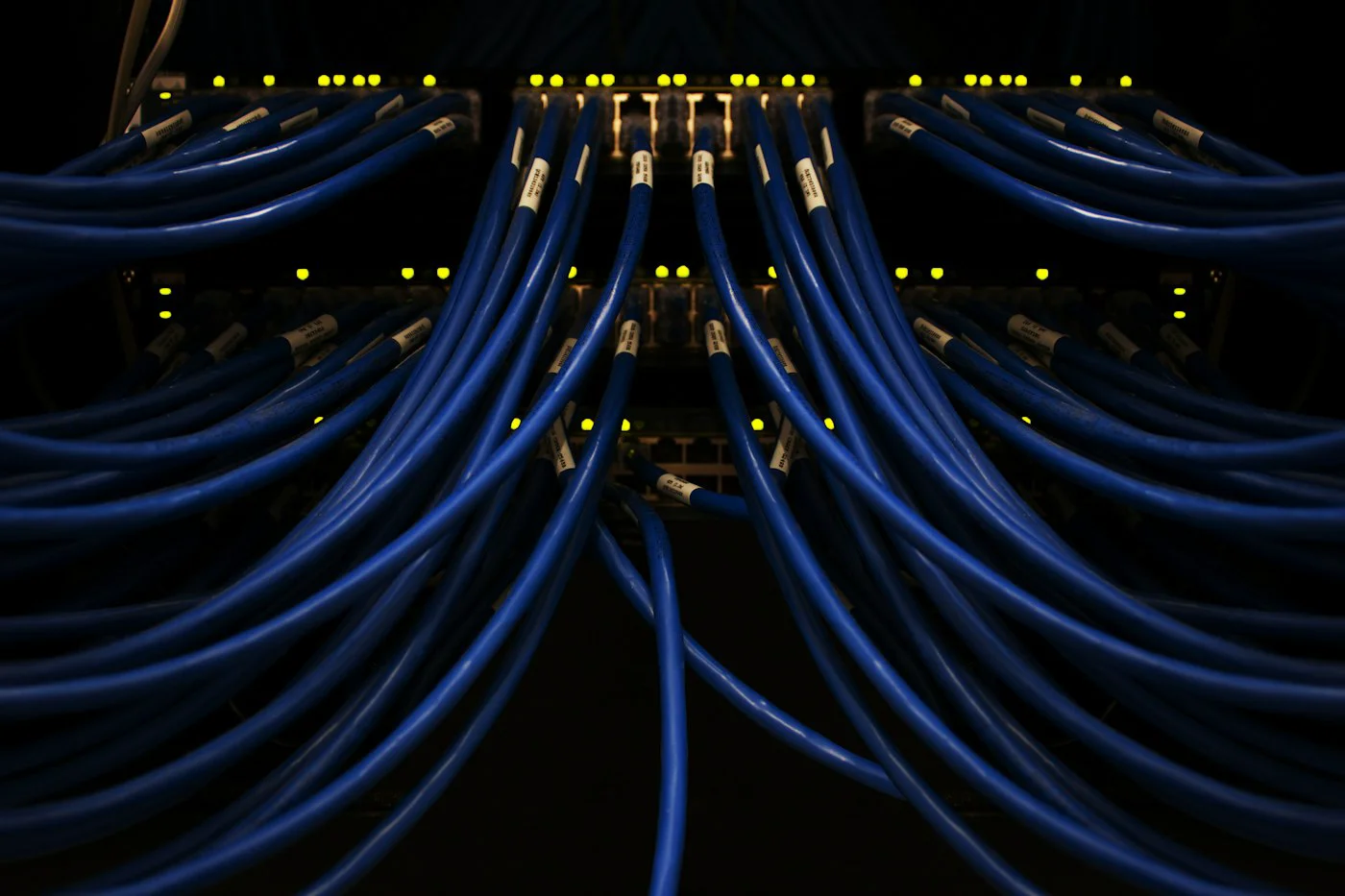
Running inference on every camera individually gets expensive and hard to manage past a handful of units. Consolidating multiple camera feeds onto a single edge gateway reduces per-camera cost and centralizes management, but it introduces a new problem: making sure the gateway's processing budget doesn't get overwhelmed. Here's a practical deployment sequence.
Step 1: Calculate Your Processing Budget First
Before connecting a single camera, total up the expected frame rate and resolution across every feed you plan to run through the gateway, and check that figure against the gateway's rated throughput - an EdgeForce gateway's specification sheet lists throughput in operations per second, which you can roughly map against your model's per-frame cost. Underestimating this step is the most common cause of dropped frames and inconsistent alert timing after deployment.
Step 2: Segment Cameras by Priority
Not every camera feed needs the same frame rate. A shelf camera from VisiTech tracking slow-moving inventory changes can run effective analysis at a much lower frame rate than an Optisight entry-counting camera at a busy doorway. Configure lower priority feeds to sample less frequently, freeing processing headroom for the feeds where timing actually matters.
Step 3: Network Topology
Run cameras to the gateway over PoE where possible - it simplifies cabling and avoids the reliability issues that come with WiFi-connected cameras dropping frames under network congestion. Keep the gateway's uplink to your central system on a separate network segment from the camera feeds themselves, so a burst of camera traffic doesn't compete with the alerts and metadata you're trying to send upstream.
Deployment Checklist
- Confirm total camera bandwidth doesn't exceed the gateway's rated ingest capacity
- Assign frame-rate priorities per camera based on how time-sensitive its alerts actually are
- Separate camera-feed traffic from upstream reporting traffic on the network
- Set up local buffering so brief network interruptions don't drop analytics events entirely
Step 4: Model Assignment and Load Testing
Assign models to camera feeds based on the gateway's remaining capacity after your highest-priority feeds are accounted for, and run a load test with all cameras active simultaneously before going live - many issues that don't appear with two or three test cameras only surface once every planned camera is streaming at once. Watch for processing queue backlog specifically, since it's a leading indicator of an overloaded gateway well before frames actually start dropping.
Step 5: Monitor and Rebalance
Once live, monitor per-camera latency rather than just overall gateway health - a single misbehaving camera feed (often one with a lens issue causing constant false detections) can consume a disproportionate share of processing budget and degrade performance for every other feed on the same gateway. Rebalancing which cameras share a gateway, rather than simply adding more compute, is often the more cost-effective fix.
A well-planned multi-camera gateway deployment scales more cheaply than one inference device per camera, but only if the processing budget is planned upfront rather than discovered through trial and error after installation.
More from The Aixi
 Edge AI
The State of Edge AI Hardware in 2026: A Market Overview
 How-To
How to Set Up a Retail Shelf-Camera System
 Edge AI
Hands-On Review: The EdgeForce Inference Board
 Buying Guides