Choosing a Smart Home Hub: A 2026 Buying Guide
Zigbee, Z-Wave, or Thread? On-device or cloud AI? Here's what actually matters when picking a hub for your smart home.
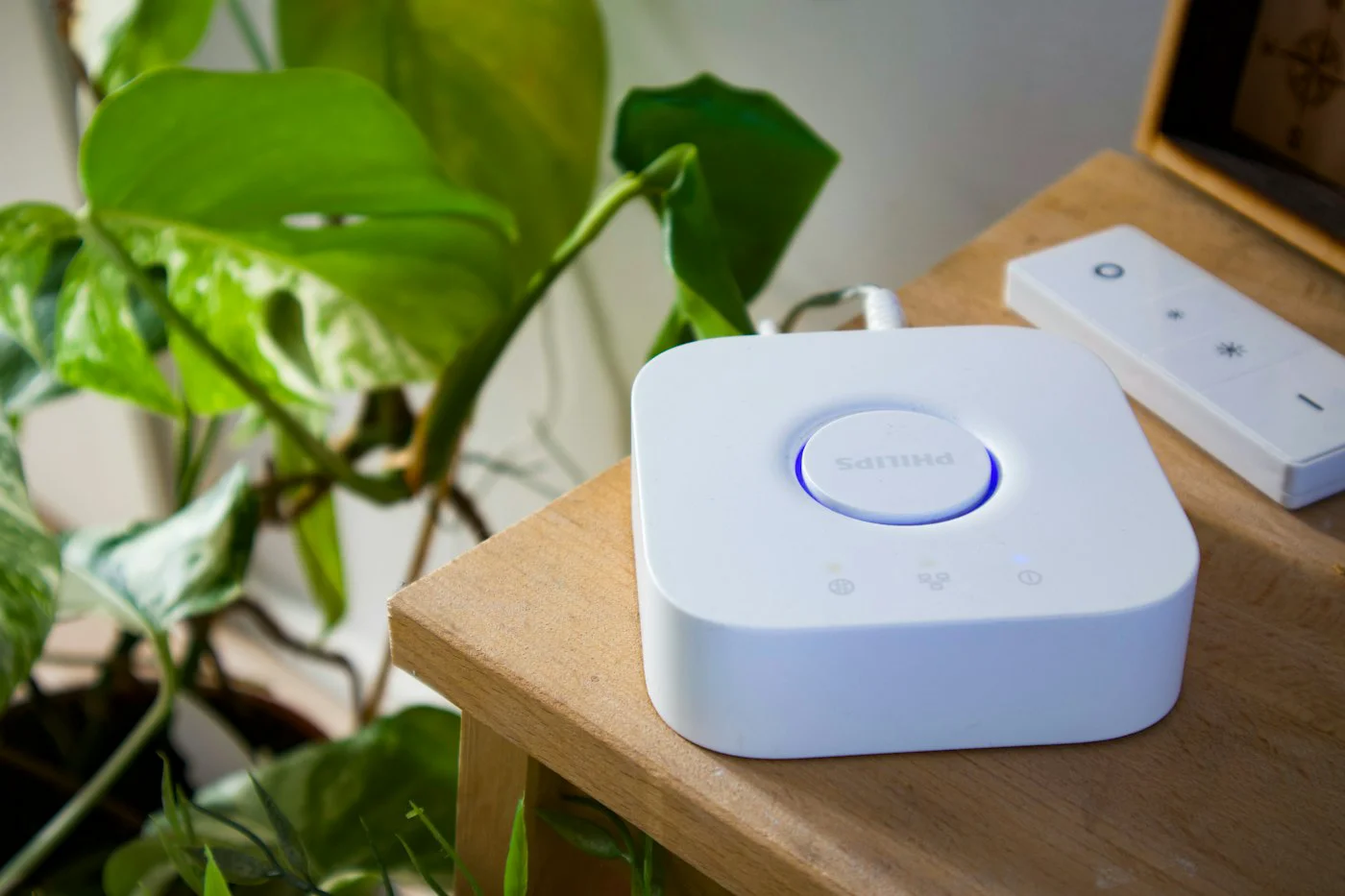
A smart home hub's job sounds simple: talk to your devices and let you control them from one app. In practice, the hub you choose determines which sensors, locks, and lights you can buy for years to come, so it pays to look past the marketing tag and check the radios, processing model, and update policy before you buy.
Radio Protocols: The Hub's Real Job
Most budget hubs only speak WiFi, which forces every sensor to run its own WiFi radio - a battery drain and a router headache once you pass a dozen devices. Look for hubs that support Zigbee and Thread natively, since both are low-power mesh protocols designed for battery sensors. Z-Wave is worth having if you already own Z-Wave locks or shades, since it doesn't interoperate with Zigbee. AuraLabs' current hub generation supports Zigbee, Thread, and WiFi in one box, which covers the vast majority of sensors sold today without a separate bridge.
On-Device vs. Cloud AI Model
Hubs increasingly market an "AI model" for things like presence detection or routine suggestions. This runs one of two ways: on-device processing, where the hub's own NPU handles inference locally, or cloud processing, where clips and events are sent to a server. On-device is faster and keeps working if your internet drops, and it's the better default for anything involving cameras or microphones. Cloud processing can offer more elaborate automations, but it means your data leaves the house - a fair trade for some households, a dealbreaker for others. Echomind's speaker-hub combo defaults to on-device wake-word detection and only sends audio to the cloud after the wake word triggers, which is a reasonable middle ground.
Sensor and Device Compatibility
Before buying, check whether the hub uses an open standard like Matter, or a closed ecosystem that only works with the same brand's sensors. A closed ecosystem can mean better reliability out of the box, but it locks you into that vendor's pricing for every future sensor. Matter support is now common enough that it should be a checklist item, not a bonus feature.
What to Verify Before Checkout
- Local automation execution (routines should keep running during an internet outage)
- Matter and Thread border router support
- Power backup - a battery-backed hub survives short outages without dropping security sensors
- Clear data retention settings for any cloud-connected features
Setup Checklist
Once you've picked a hub, place it centrally and elevated - mesh protocols perform better with fewer walls between the hub and your farthest sensor. Pair your highest-priority security sensors first, confirm they show as "online" with recent battery readings, then build automations one at a time rather than importing a giant routine list from a forum post. Test each automation for a full day before trusting it.
A hub is the one component you're unlikely to swap out casually, since every sensor purchase afterward depends on it. Spending an extra twenty minutes checking protocol support and processing model saves a much more expensive re-purchase later.
More from The Aixi
 Buying Guides
Wearable Health Sensors and Data Privacy: What Buyers Should Ask
 Buying Guides
Cobots vs. Traditional Industrial Robots: What Small Warehouses Need to Know
 Industry News
Privacy Trade-offs in Voice Assistants: What On-Device Processing Really Means
 Buying Guides